All guides

Guide

CRM for auto brokers that matches how lease desks actually work

The right CRM for auto brokers is not a dealer showroom tool with a new logo. It is the system your team uses from first application through funded deal: assignments, follow-ups, quotes, and customer truth in one place.

Shared application queueCustomer recordsRole-based portal
LeasingStack applications in the portal
Credit application pipeline
Manager assignments
Deal Desk quoting
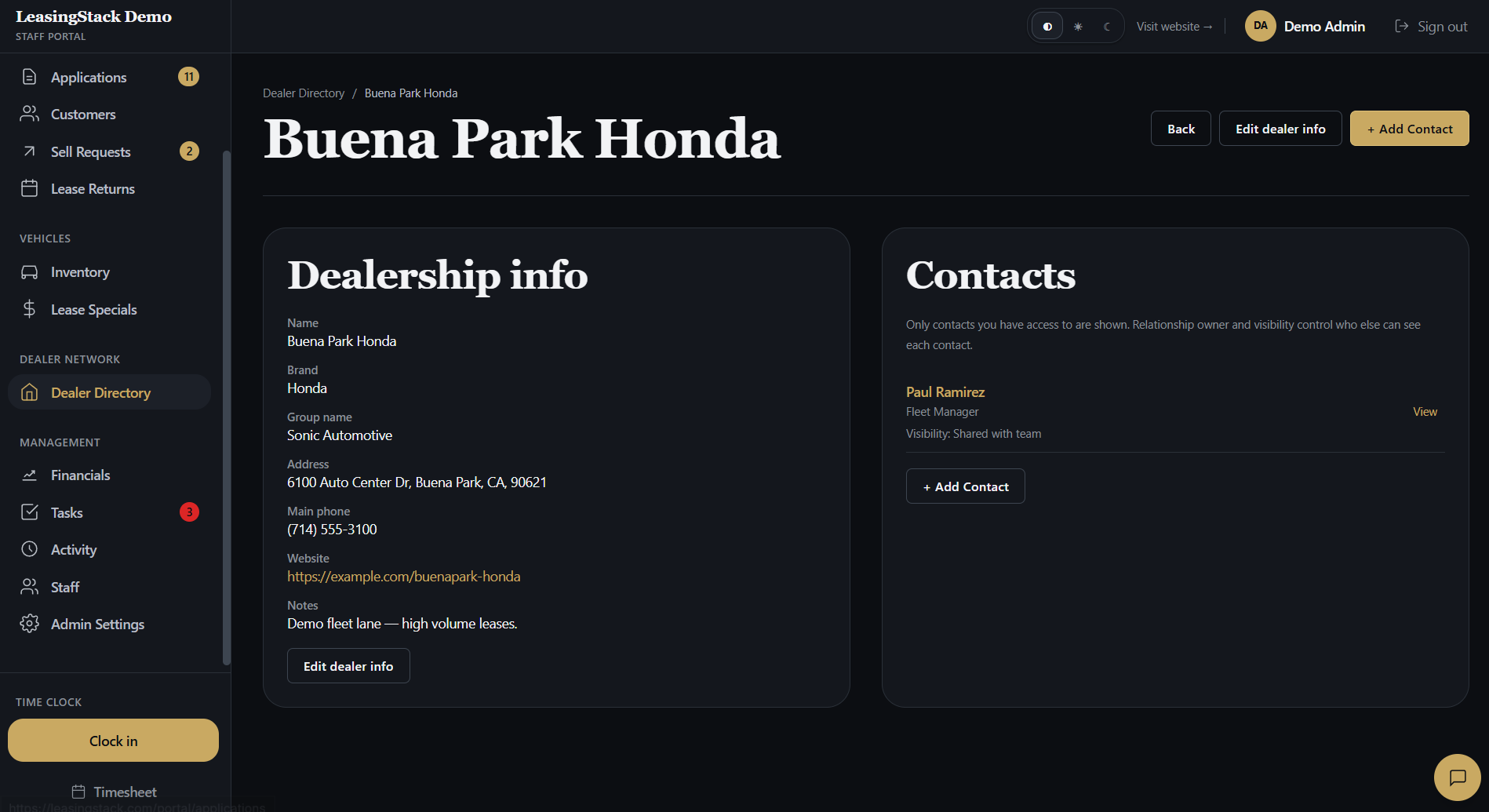
Dealer contact tracking

Guide

What to know before you buy

Practical criteria for broker CRM software, with portal screenshots so you can see how LeasingStack maps to real desk work.

What is CRM for auto brokers?

CRM for auto brokers is the operational hub where your brokerage tracks every client file: who applied, who owns follow-up, what stage the deal is in, and what documents or quotes belong to that customer. It replaces forwarded email threads and color-coded spreadsheets once you have more than one active deal.

Searchers often type "CRM for auto brokers" when they mean something narrower than full dealership software. They want pipeline visibility for placement desks, not lot inventory and service lane scheduling.
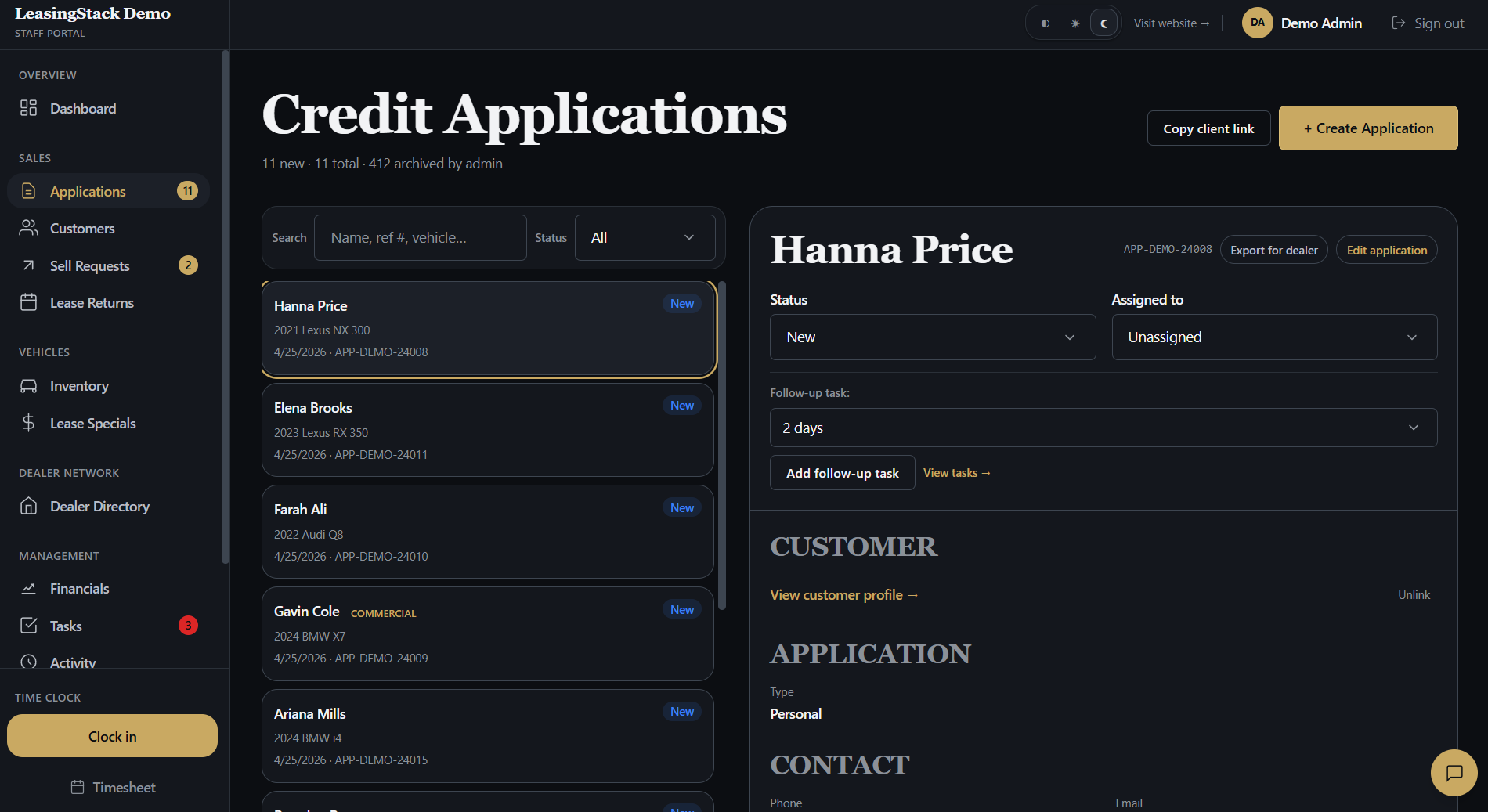
LeasingStack applications in the portal

Why generic CRMs fail brokerages

Horizontal CRMs excel at contacts and email sequences. Auto brokers need credit application intake, assignable queues, lease and finance quote history, and dealer coordination on the same customer record.

  • Broker CRM: application status, owner, and next action on every file
  • Generic CRM: leads and tasks without credit or deal context
  • Broker CRM: Deal Desk style payments tied to the customer
  • Generic CRM: notes about a deal with math done elsewhere
  • Broker CRM: sell-your-car and trade-in leads in the same queue
  • Generic CRM: separate forms that never reach sales
LeasingStack customer contact in the portal

Core CRM capabilities auto brokers need

When you compare CRM for auto brokers, score vendors on weekly workflows, not logo walls. Your managers should answer "who is working what?" without opening five tabs.

  • Hosted credit application links that feed a shared queue
  • Assignment rules so leads do not sit unowned
  • Customer hub with documents, deals, and contact history
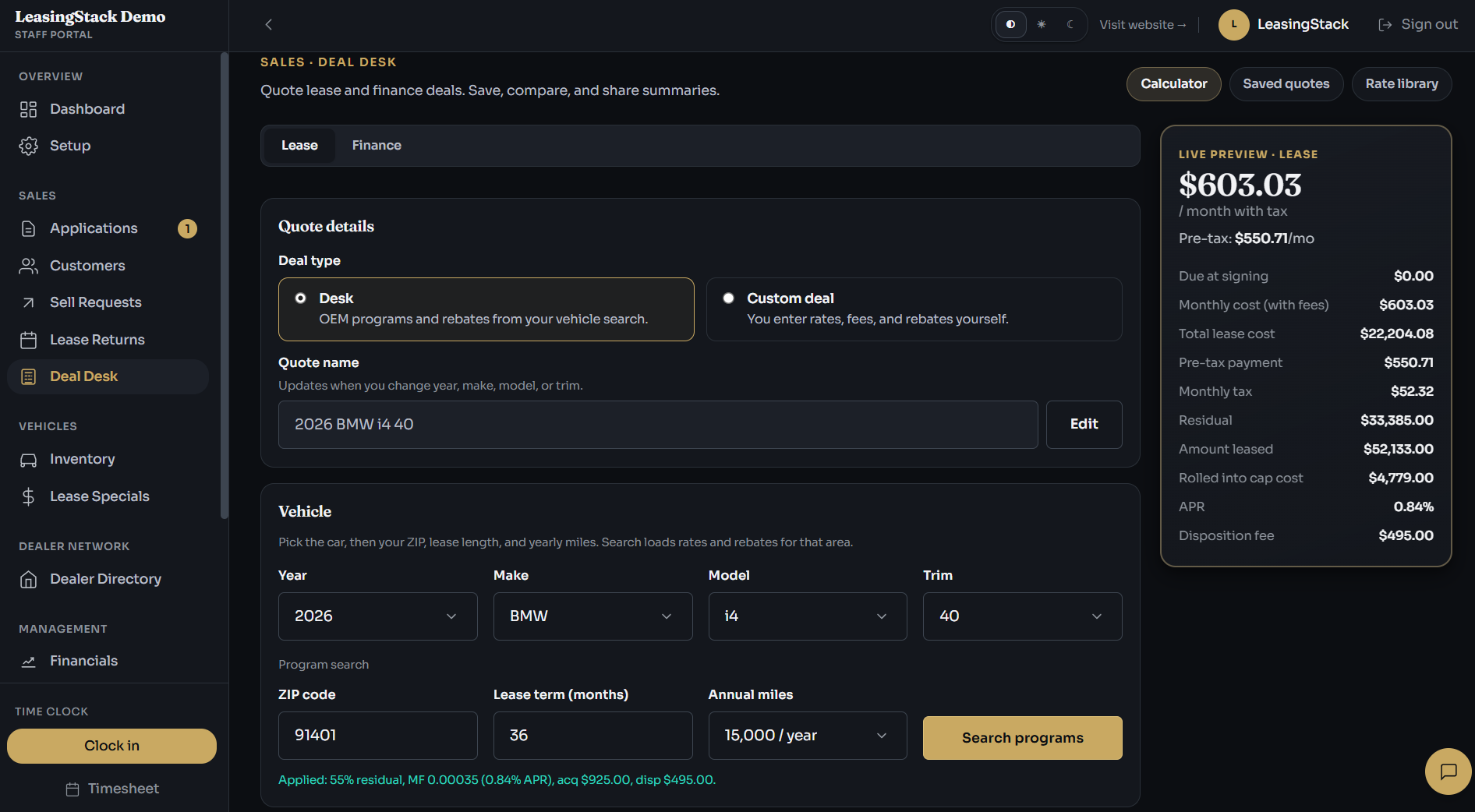
  • Lease and finance quoting with printable branded PDFs
  • Dealer directory for outreach and placement tracking
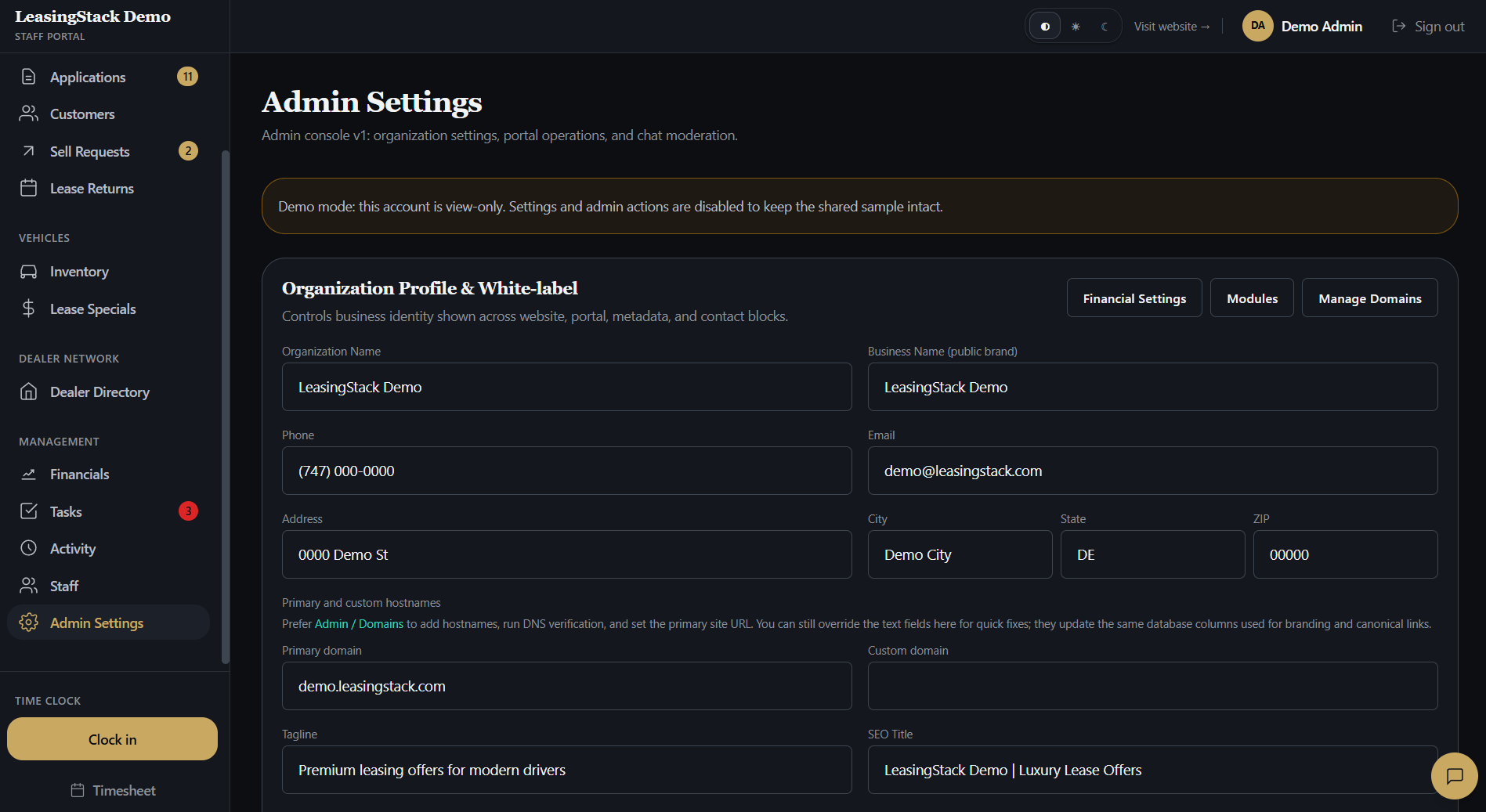
  • Role-based access for admin, manager, sales, and finance
  • Activity visibility so bottlenecks surface before funding slips
LeasingStack admin settings in the portal

CRM plus quoting, not CRM beside quoting

A CRM for auto brokers that stops at contact records forces your desk to rebuild context in spreadsheets every time payments change. Strong broker CRM connects intake, customer records, and Deal Desk quoting so the story stays on one timeline.

That integration is why teams evaluating CRM for auto brokers should review the full platform checklist in our software for auto brokers guide before buying pipeline-only tools.

LeasingStack Deal Desk lease and finance quoting

LeasingStack as CRM for auto brokers

LeasingStack is auto broker software and CRM with broker-first CRM: application queue, customer records, inventory, sell requests, Deal Desk, and financials modules on supported plans. It is built for independent lease and finance brokerages, not franchise rooftops.

Start a trial, publish intake links, and see whether your managers can rebalance workload from one portal instead of chasing updates in group chats.

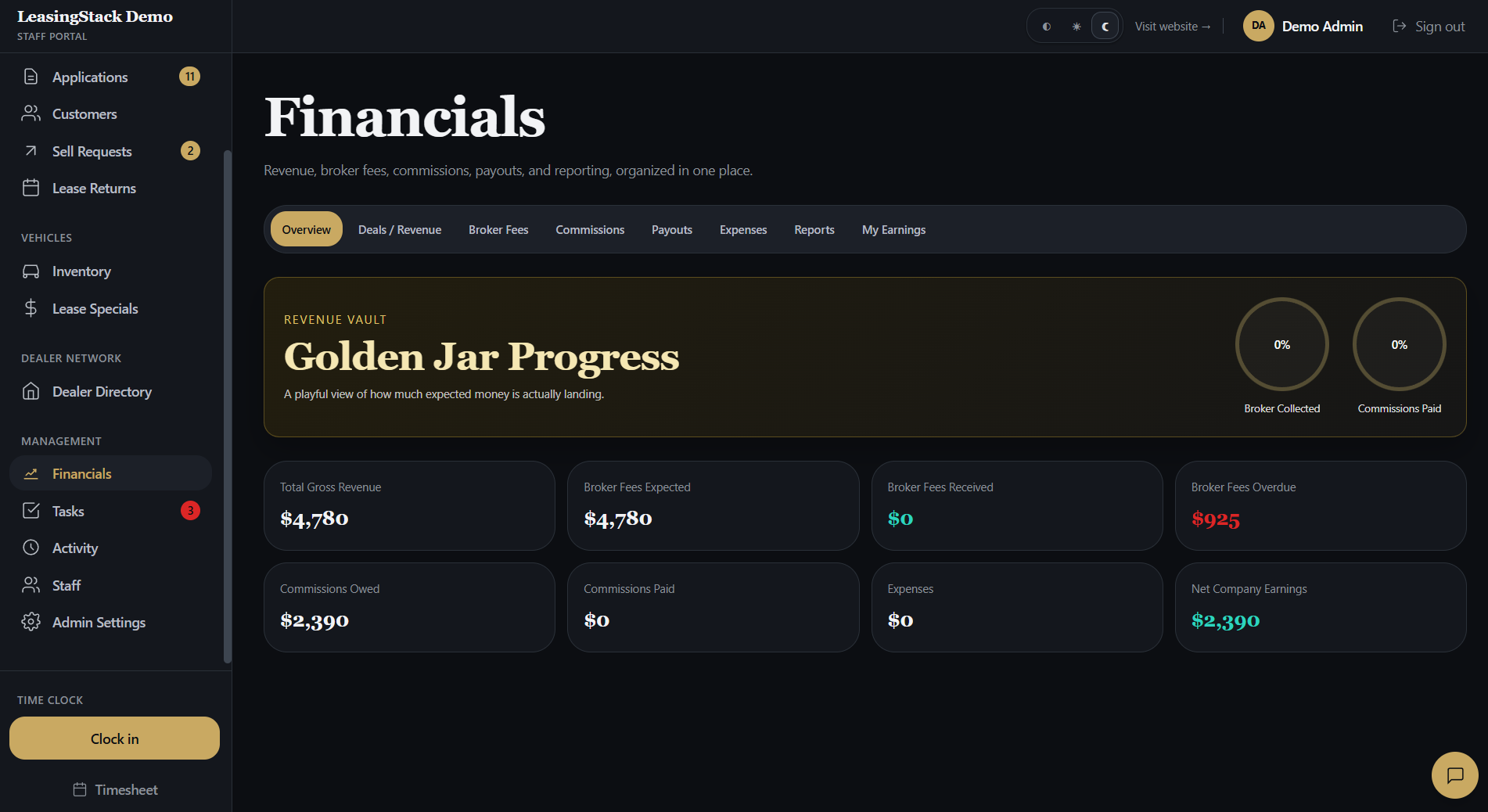
LeasingStack financials in the portal

LeasingStack

How the platform maps to broker work

Four pillars that independent lease and finance desks care about most.

One queue for every intake

Credit applications and sell-your-car leads land in a shared pipeline with clear ownership.

Customer truth across staff

Sales, managers, and finance see the same record instead of conflicting notes in personal inboxes.

Quotes on the customer file

Deal Desk lease and finance scenarios stay tied to the client you are placing.

Built for broker roles

Scoped permissions so sensitive data stays with the right people on a small team.

Workflow

Typical desk flow

From published intake through funded deal, in the order most broker teams run their week.

01

Capture applications

Publish branded apply and trade-in links on your site or campaigns.

02

Assign owners

Managers route files to sales or admin with status and follow-up dates.

03

Work the file

Staff update customers, quotes, and dealer outreach from the portal.

04

Close and record

Track funded deals, fees, and commissions without losing the customer history.

Run your brokerage on CRM built for auto brokers

Try LeasingStack with a shared application queue, customer records, and Deal Desk quoting in one portal.

Explore

Related pages

FAQ

Common questions

What is the best CRM for auto brokers?

The best CRM for auto brokers is the one your team uses daily without workarounds: hosted intake, assignable queues, customer records, quoting, and role-based portal access. Fit beats brand awareness for independent desks.

Is LeasingStack a CRM for auto brokers?

Yes. LeasingStack provides CRM workflows for auto brokers: application pipeline, customer records, Deal Desk quoting, dealer directory, and staff portal operations.

Do auto brokers need dealer CRM software?

Most independent brokers do not need a dealer DMS. You need broker-centric CRM that connects intake, placement, and team workflow instead of showroom desking.

Can I keep my existing website?

Yes. Most brokerages link hosted LeasingStack intake pages from their marketing site without replacing the whole site.