
Your domain, your brand
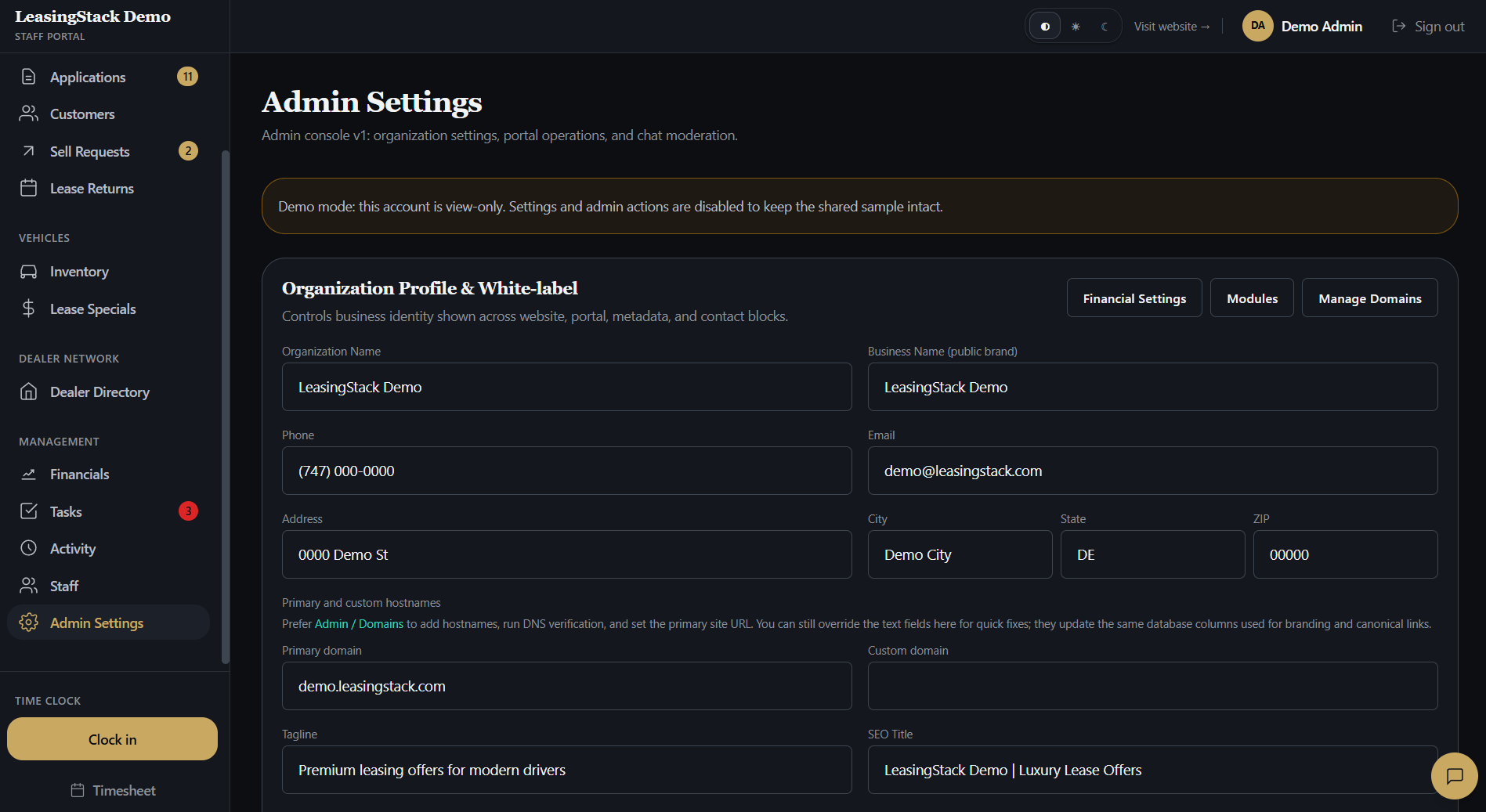
Verify a sending domain with DNS records so messages come from your brokerage, not a generic platform address.
Feature
Stay in front of customers who opted in without a separate email platform. Connect your domain, send campaigns from the portal, and automate birthday wishes, holidays, and lease specials with branded templates.
Capabilities
Daily broker workflows in one workspace, not scattered tools.
Verify a sending domain with DNS records so messages come from your brokerage, not a generic platform address.
Marketing sends only to customers who opted in on their profile, with unsubscribe links on every message.
Compose branded emails with templates, personalization tokens, and live preview before you send to your list.
Start from built-in layouts or save your own templates for consistent campaigns across your team.
Turn on birthday messages so opted-in customers get a timely note without manual list work.
Schedule holiday greetings and weekly lease-special digests when your team wants them, each with master and per-feature toggles.
Workflow
01
Your admin turns on Marketing email in portal modules when your brokerage is ready.
02
Add DNS records at your registrar, verify the domain, and set your from address and physical mailing address.
03
Mark customers as opted in from their profile as your team earns consent.
04
Blast a campaign or enable automations for birthdays, holidays, and lease specials.
Modules
Domain verification, branding, reply-to, and test sends.
Manual sends to opted-in recipients with send logging.
Birthday, holiday, and lease-special schedules with on/off controls.
Built-in and custom HTML templates with preview.
Roles
Connect the sending domain, branding, and automation toggles.
Build campaigns, manage templates, and review send history.
Update customer marketing opt-in during relationship work.
Stays in Financials. Marketing tools are hidden for finance logins.
Your customer list already lives in the portal. Marketing email uses the same opt-in records, branding, and lease inventory, so campaigns stay accurate without exporting CSVs to another tool.
Summary
Best for
Brokerages nurturing repeat and referral business
Fast win
Verified domain + first test send
Main outcome
Compliant, branded outreach from your CRM
Explore
FAQ
Yes. Marketing email only sends to customers with marketing opt-in enabled on their profile. Every message includes an unsubscribe link.
Yes. Each brokerage verifies its own domain with DNS records in the Marketing email setup tab.
Birthday messages, holiday greetings, and a weekly lease-specials digest. Each automation has master and per-feature toggles so you control what goes out.
Marketing email is a portal module your admin enables. Sign up or open the demo to confirm availability for your workspace.